Roar logo
  • Platform
    • How it Works
    • Lone Worker
    • Data & Analytics
  • Why ROAR
  • Industries
    • Healthcare
    • Hospitality
    • Education
    • Retail
    • Manufacturing
    • Government
    • Small Business
  • Resources
    • Blog
    • Press
    • Case Studies
    • Resource Library
    • FAQ
  • About
    • Leadership & Team
    • Careers
  • Contact
Get A Demo

Tag: Category Guide

  • Hospital administrator walk-testing wireless duress alarm in basement corridor transitioning from finished to raw concrete

    Wireless Duress Alarm Systems: What to Know Before You Buy

    ROAR

    May 21, 2026
    Capture Content, Theme T02
    Category Guide, ROAR-00598

    Key Takeaways “Wireless” is the most misleading word in duress alarm marketing. Every vendor uses it. Most buyers hear it and assume it means independence from their facility’s infrastructure. But three fundamentally different architectures all call themselves wireless. Two of them trade wired connections for network dependencies that fail in the same stairwells and parking…

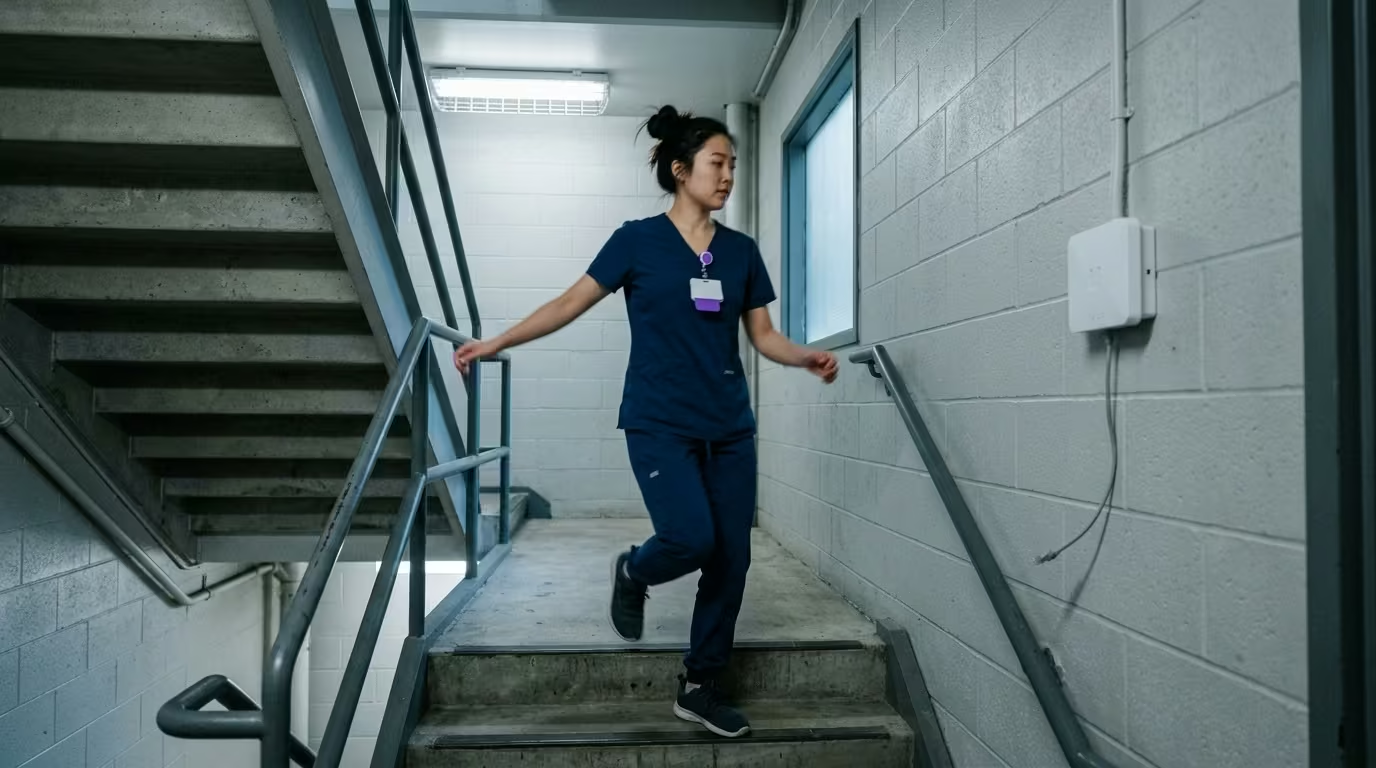
  • Nurse passing dead network access point in hospital stairwell illustrating duress system failure during outage

    Duress Alarm Systems for Hospitals: Architectures Compared

    ROAR

    May 21, 2026
    Capture Content, Theme T02
    Category Guide, ROAR-00597

    Key Takeaways Four duress alarm architectures show up in every hospital evaluation. They share a demo-room pitch: press a button, get help fast. They don’t share the same network path, the same failure mode, or the same coverage profile when the building loses Wi-Fi at 2 a.m. Most of what you’ll evaluate depends on infrastructure…

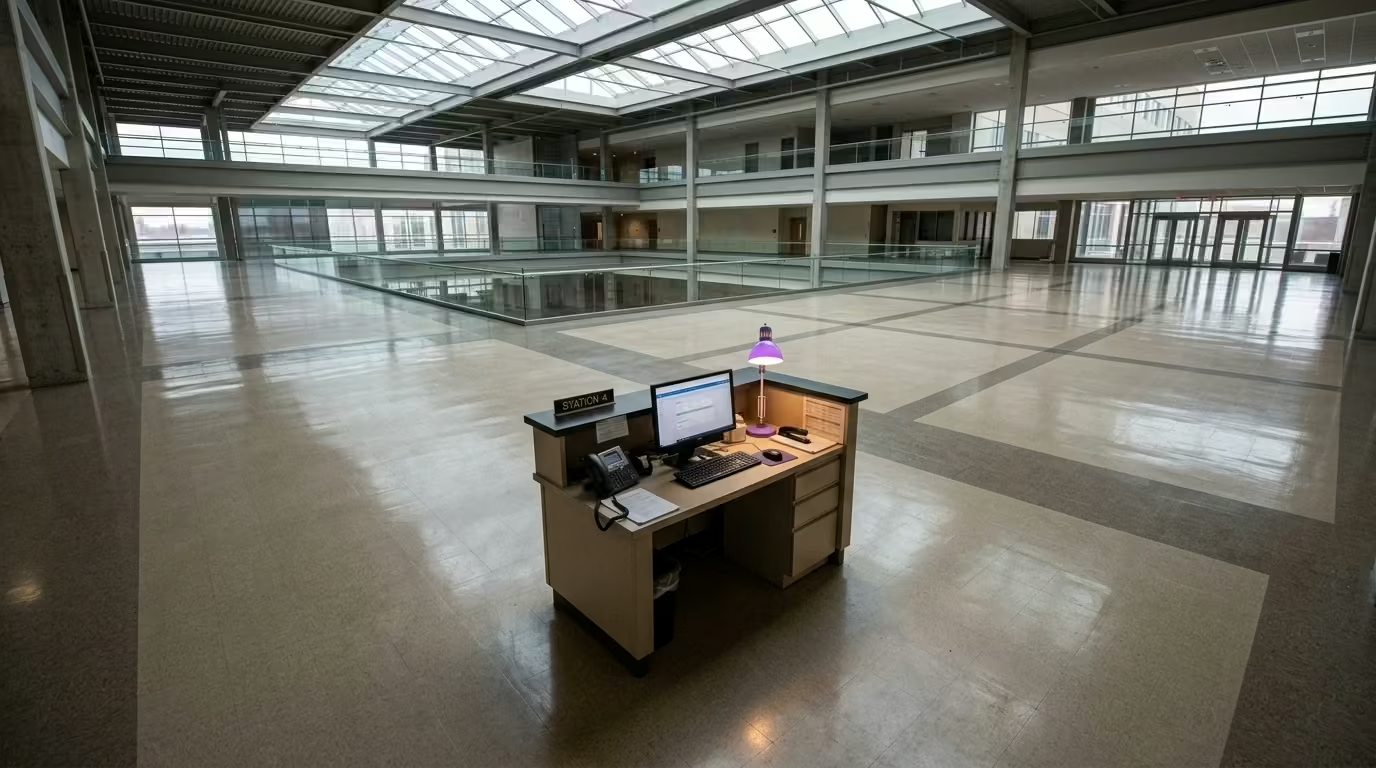
  • Staff assist button coverage gap shown by lone nurse station desk in vast empty hospital atrium

    Staff Assist Buttons for Hospitals: What They Do and What They Miss

    ROAR

    May 21, 2026
    Capture Content, Theme T02
    Category Guide, ROAR-00596

    Key Takeaways A staff assist button is the simplest duress device you can deploy. Mount it under a desk, connect it to an alert system, and responders know exactly where the call came from. That simplicity is what makes it the right choice for fixed workstations. It’s also what limits it. The coverage ends where…

  • Duress badge on conference table with concrete parking garage visible through glass wall behind it

    Duress Badges for Healthcare Staff: Activation Methods and What to Test

    ROAR

    May 21, 2026
    Capture Content, Theme T02
    Category Guide, ROAR-00595

    Key Takeaways You’ve decided on a wearable duress badge for your staff. That’s the right call for mobile clinical teams who move across rooms, floors, and buildings throughout a shift. The harder question is which badge, and most buyers get the filter wrong. They start with form factor and price. Start with the activation mechanism…

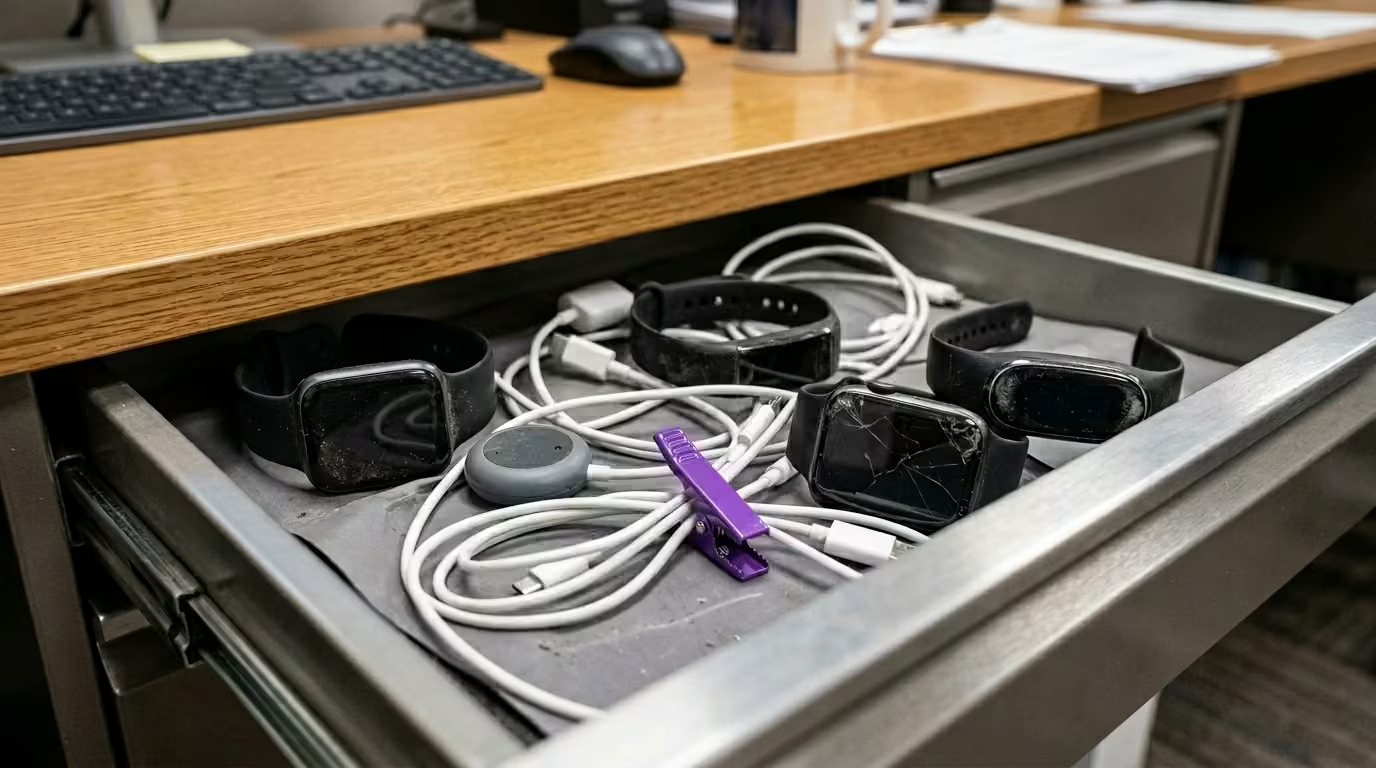
  • Silent panic button office guide: open desk drawer with dead uncharged consumer safety devices tangled in cables

    Silent Panic Buttons for Offices and Businesses: What to Know Before You Buy

    ROAR

    May 5, 2026
    Capture Content, Theme T06
    Category Guide, ROAR-00580

    Key Takeaways If you’re shopping for a silent panic button for office or business use, you’ve probably already decided that an audible alarm isn’t the right fit. That instinct is correct. But “silent” means different things to different vendors. The gap between a purpose-built silent system and a consumer device with the sound turned off…

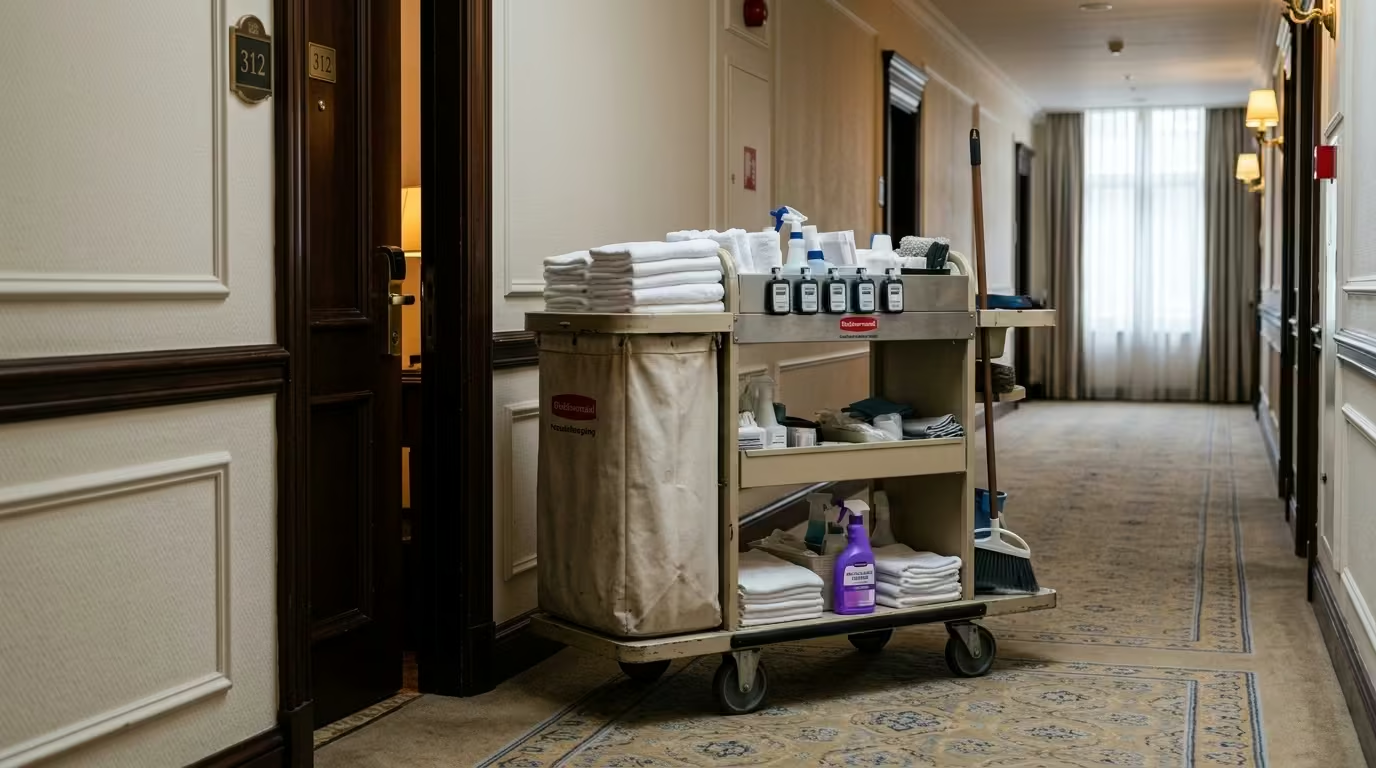
  • Hotel housekeeping cart with five unworn wearable panic button badges among cleaning supplies in guest hallway

    Wearable Panic Buttons for Employees: A Business Owner’s Guide

    ROAR

    May 5, 2026
    Capture Content, Theme T06
    Category Guide, ROAR-00583

    Key Takeaways If your staff move through a building rather than sit at a single desk, a fixed panic button can’t follow them. That’s the gap a wearable panic button for employees is designed to close. The category is crowded with consumer GPS trackers and app-based tools that weren’t built for commercial facilities. This guide…

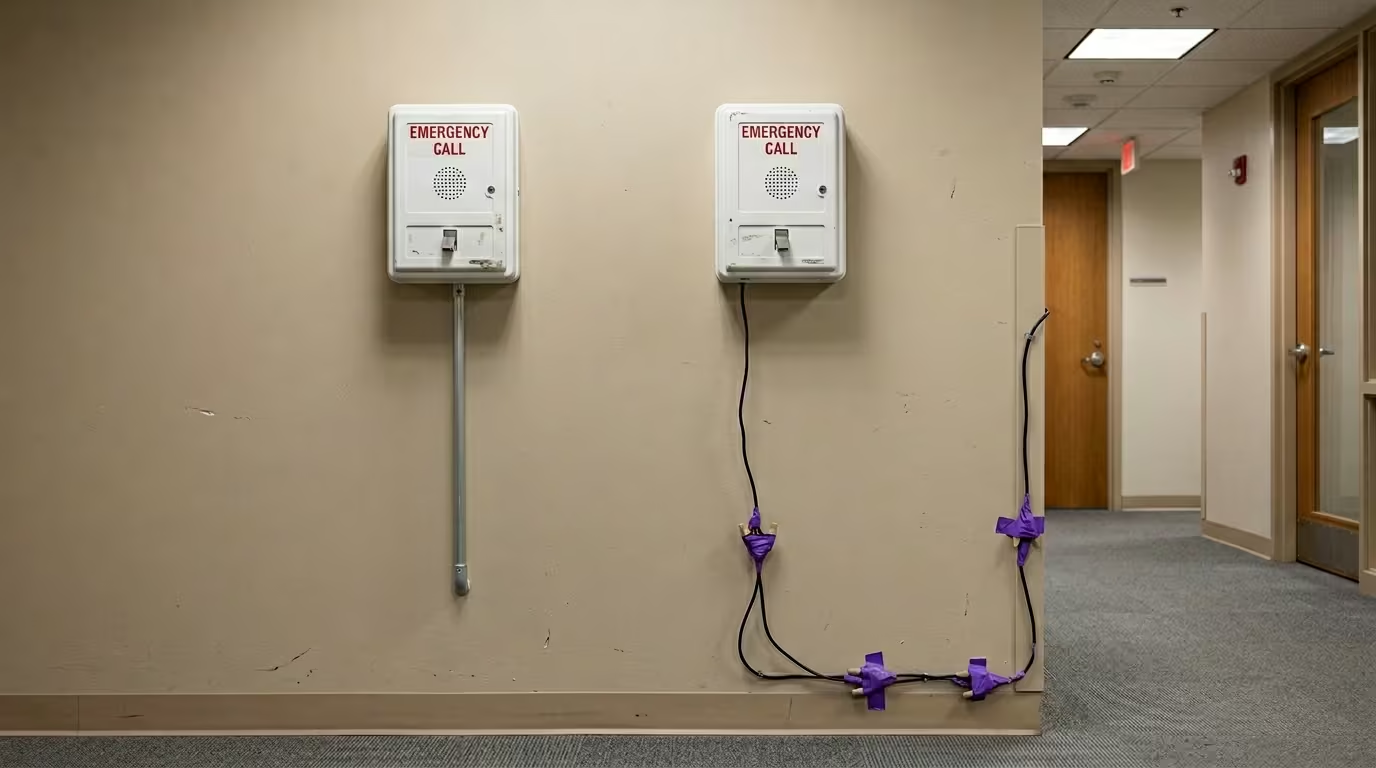
  • Two office emergency call boxes with different wiring paths showing direct vs relay 911 signal routes

    911 Panic Buttons for Offices: What to Know Before You Buy

    ROAR

    May 5, 2026
    Capture Content, Theme T06
    Category Guide, ROAR-00581

    Key Takeaways If you’ve started searching for a 911 panic button for office use, you’ve probably noticed every product sounds the same. They all claim to connect you with emergency dispatch. But the way that connection actually works varies so much between products that some barely qualify as 911 integration at all. How 911 Panic…

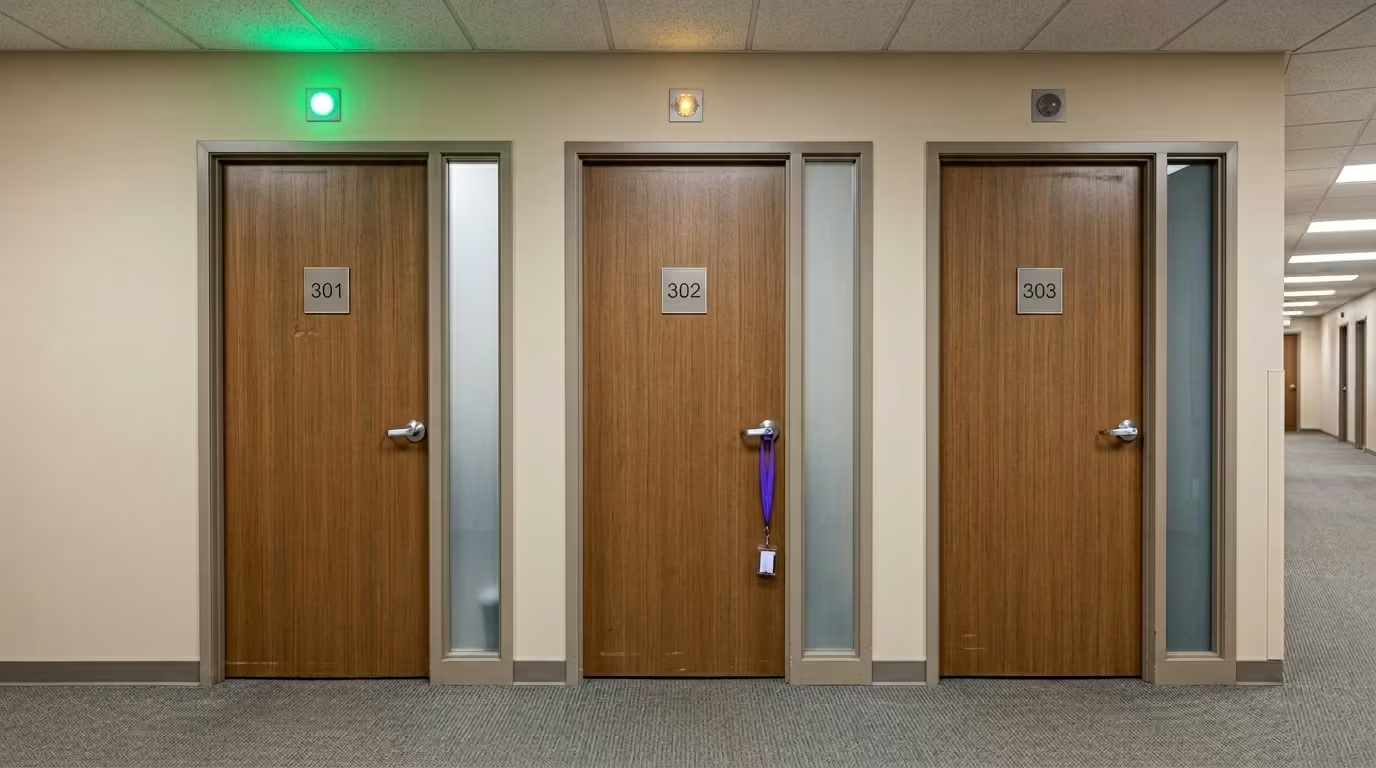
  • Three office doors with signal indicator lights showing wireless coverage gaps in commercial corridor

    Wireless Panic Button Systems for Offices: How They Work and What to Buy

    ROAR

    May 5, 2026
    Capture Content, Theme T06
    Category Guide, ROAR-00582

    Key Takeaways You searched for a wireless panic button system for your office because you want protection without construction crews, cable runs, or landlord negotiations. That makes sense. But “wireless” describes at least three fundamentally different architectures. The gap between them stays hidden until someone presses the button during a real incident. Before you buy,…

  • Office receptionist at front desk with unplugged WiFi router and dead panic button LED underneath

    Under-Desk and Front-Desk Panic Buttons for Reception and Office

    ROAR

    May 5, 2026
    Capture Content, Theme T06
    Category Guide, ROAR-00584

    Key Takeaways The under-desk panic button looks like the simplest category in workplace safety. A button under the desk. Someone presses it. Help arrives. But the gap between what most products deliver and what a real crisis demands is wider than any product listing suggests. Most of what’s sold under this label is consumer-grade hardware…

  • About ROAR for Good — Official Company Overview
  • About Us
    • Careers
    • Leadership & Team
  • Contact
  • Healthcare Security Checklist Thank You
  • Homepage
  • Legal
    • Privacy Policy
    • Terms of Service
  • Request a Demo
  • Request a Demo Thank you
  • Platform
    • 911 Panic Button
    • Data & Analytics
    • Lone Worker
    • Under Desk Panic Button
  • Industries
    • Healthcare
      • Behavioral Health
      • Psychiatric Ward
    • Hospitality
    • Education
    • Retail
    • Manufacturing
    • Government
    • Small Business
      • Small Site Kit
  • Why ROAR
    • Chief Executive Officer
    • Chief Financial Officer
    • Chief Human Resources Officer
    • Chief Medical Officer
    • Chief Nursing Officer
    • Chief Technology Officer
  • Resources
    • Blog
    • Press
    • Customer Case Studies
      • National Behavioral Healthcare Provider Case Study
      • Bewell Case Study
      • Westin Bonaventure Case Study
      • Hilton Case Study
      • Independence Visitor Center Case Study
    • Resource Library
      • Healthcare ROI Fact Sheet
      • Panic Button Partner Checklist
      • ROAR Duress Button Provider Assessment
      • Workplace Violence Impact On Business Costs
    • Frequently Asked Questions

Ready to build a culture of safety?

Join 300+ organizations that trust ROAR for Good to protect their most important asset — their people.

Schedule a Demo
Download a Case Study
Roar logo

The always-on, privacy-first safety platform. Innovators in staff safety since 2014. B Corp certified.

512 W Lancaster Ave, Unit C

Wayne, PA 19087

(833) 275-7627

sales@roarforgood.com

  • LinkedIn
  • YouTube

© 2026 ROAR for Good. All rights reserved.

Platform

  • How it Works
  • Lone Worker
  • Data & Analytics

Industries

  • Healthcare
  • Hospitality
  • Education
  • Retail
  • Manufacturing
  • Government
  • Small Business

Company

  • About Us
  • Leadership & Team
  • Careers
  • Contact & Support

Legal

  • Privacy Policy
  • Terms of Service
Manage Consent
To provide the best experiences, we use technologies like cookies to store and/or access device information. Consenting to these technologies will allow us to process data such as browsing behavior or unique IDs on this site. Not consenting or withdrawing consent, may adversely affect certain features and functions.
Functional Always active
The technical storage or access is strictly necessary for the legitimate purpose of enabling the use of a specific service explicitly requested by the subscriber or user, or for the sole purpose of carrying out the transmission of a communication over an electronic communications network.
Preferences
The technical storage or access is necessary for the legitimate purpose of storing preferences that are not requested by the subscriber or user.
Statistics
The technical storage or access that is used exclusively for statistical purposes. The technical storage or access that is used exclusively for anonymous statistical purposes. Without a subpoena, voluntary compliance on the part of your Internet Service Provider, or additional records from a third party, information stored or retrieved for this purpose alone cannot usually be used to identify you.
Marketing
The technical storage or access is required to create user profiles to send advertising, or to track the user on a website or across several websites for similar marketing purposes.
  • Manage options
  • Manage services
  • Manage {vendor_count} vendors
  • Read more about these purposes
View preferences
  • {title}
  • {title}
  • {title}